7 Tools to Speed Up Your 3D Workflow

General / 15 March 2026

Tools Built for Real Pipelines

Over the past months, I've been building tools that solve problems I kept running into in my own production work — tedious exports, broken pipelines, and repetitive manual tasks. Every tool below was born from a real need. Here's what's available now.

---


1. Blender ↔ Substance Painter Live Link


A bi-directional bridge between Blender 5.0 and Substance Painter 11.0 that eliminates the constant export-import cycle. Send meshes to Substance Painter with one click and get textures back automatically. Version 2.0 brings multi-material support, additive export, crash prevention, rigged model support, and a dedicated SP Scene Panel inside Blender.

🔗 https://www.artstation.com/a/53144271


---

2. Substance Painter → 3ds Max Live Link


Real-time sync between Substance Painter and 3ds Max. Automatically detects your render engine — Corona, V-Ray, Arnold, or Standard — and sets up materials accordingly. Paint in Substance, see results in Max instantly. No more manual texture reconnecting.

🔗  https://www.artstation.com/a/53469795


---

3. Blender → Unreal Engine Live Link


Send assets from Blender straight into Unreal Engine in real time. Handles multi-object transfer, PBR texture baking and sending, scale correction, and pivot preservation. One click, your asset is in-engine with materials ready.

🔗 https://www.artstation.com/a/53353932


---

4. PBR Texture Loader — Substance Painter Plugin


A Substance Painter plugin with single and batch loading modes. Automatically detects and assigns PBR textures to the correct channels. Supports multi-texture sets, UDIM workflows, remembers your last paths, and includes a built-in export panel.

🔗 https://www.artstation.com/a/53380682


---

5. Easy Bake — Blender Texture Baking Addon


Inspired by Marmoset Toolbag's baking workflow. 30+ bake map types, non-blocking modal baking so Blender stays responsive, batch baking for multiple objects, and a built-in UV check panel. Professional baking without leaving Blender.

🔗https://www.artstation.com/a/53629596

---

6. Breeze Animation — Blender Wind Tool


Add realistic wind and sway animation to any object with a few clicks. Armature mode for trees and plants, Shape Key mode with rope and pendulum physics. Comes with presets, N-panel UI, and full Blender 5.0 compatibility.

🔗https://www.artstation.com/a/53677309

---

7. Roughness Builder — Blender Addon


Procedurally generate roughness maps directly inside Blender's shader editor. Build scratches, fingerprints, wear patterns, dust — without external texture libraries. Layer multiple effects and control everything through a node-based interface.

🔗 https://www.artstation.com/a/53765419

---


All tools are available on my Superhive store and ArtStation. If you have any questions, feel free to reach out!


Milad Kambari — 3DRedbox Studio https://www.artstation.com/a/53469795https://www.artstation.com/a/53469795https://www.artstation.com/a/53469795https://www.artstation.com/a/53469795
Pattern Grading in Marvelous Designer & CLO3D

General / 08 August 2025

Learn how to create professional size grading for your clothing patterns in Marvelous Designer and CLO3D. In this tutorial, we’ll cover the step-by-step process to scale your designs from S to XL while keeping proportions and fit perfect. Ideal for fashion designers, 3D clothing creators, and anyone working with digital garment design.


--------------------------------

🎓 Cloth Modeling Master Course Tutorial – Your Complete Guide to Digital Garment Creation

🔗 Start Now:

👉 https://www.artstation.com/a/47208645


Transform your 3D clothing skills from beginner to expert — all in one structured, project-based course.

💡 Whether you're a 3D artist, game asset creator, or fashion designer, this course is designed to teach you how to model stunning, realistic garments for characters with confidence.


🚀 What Makes This Course Different?

  • ✅ Hands-on Projects – Each chapter is a full clothing project, from basic tees to tactical jackets
  • ✅ Realistic Workflow – Master cloth simulation, pattern accuracy, and clean topology
  • ✅ Clear Teaching Style – Learn step by step with no fluff, just real techniques
  • ✅ Professional Results – Final garments are clean, stylish, and game/animation-ready
  • ✅ Taught by a Trusted Pro – DigitalCombine brings real-world insight and sharp clarity to every lesson

🔧 What You’ll Create:

  • 👕 T-Shirt – Quick & easy for beginners
  • 👖 Jeans – Master realistic folds & posing
  • 👚 Blouse – Learn layered design & buttons
  • 🧥 Hoodie – Build stylish folds & zipper details
  • 🤵 Blazer – Craft formalwear with clean lines
  • 👖 Cargo Pants – Design tactical elements
  • 👗 Skirt – Simulate movement & pleats
  • 🩱 Corset & Blouse – Advance your shaping skills
  • 🧥 Leather Jacket – Create bold, stylized structure
  • 🧢 Bomber Jacket – Pro-level cinematic outfit
  • 👖 Signature Pants – Final challenge for full mastery


🎁 Course Includes:

  • 12 high-quality lessons
  • Lifetime access
  • Beginner-friendly but expert-approved
  • Fully narrated, clear English instructions
  • Ideal for games, animation, virtual fashion, and more


🔗 Start Now:

👉 https://www.artstation.com/a/47208645


Build your dream wardrobe — one outfit at a time.

Take control of your cloth modeling skills today. 🎨🧵💻

Smart Corona Tile Texturing

General / 23 July 2025


🎯 Smart Tile Texturing with Just One Texture in Corona Render!

Tired of seeing the same tile repeat over and over again? In this tutorial, learn how to create a realistic, randomized tile floor using only one texture — no need to model individual tiles!

Using Corona UVW Randomizer, we’ll rotate, scale, and offset UVs to eliminate visible repetition.

Perfect for 3D artists, archviz pros, and anyone working with large tiled surfaces.


💡 Topics Covered:

Solving UV repetition with 1 texture

Corona UVW Randomizer setup

Mesh Element mode explained

Rotation & scale variation tips

Using planes instead of modeling individual tiles

Achieving natural variation fast


📌 Pro Tip: Boost realism without modeling every tile. Save time, look pro!

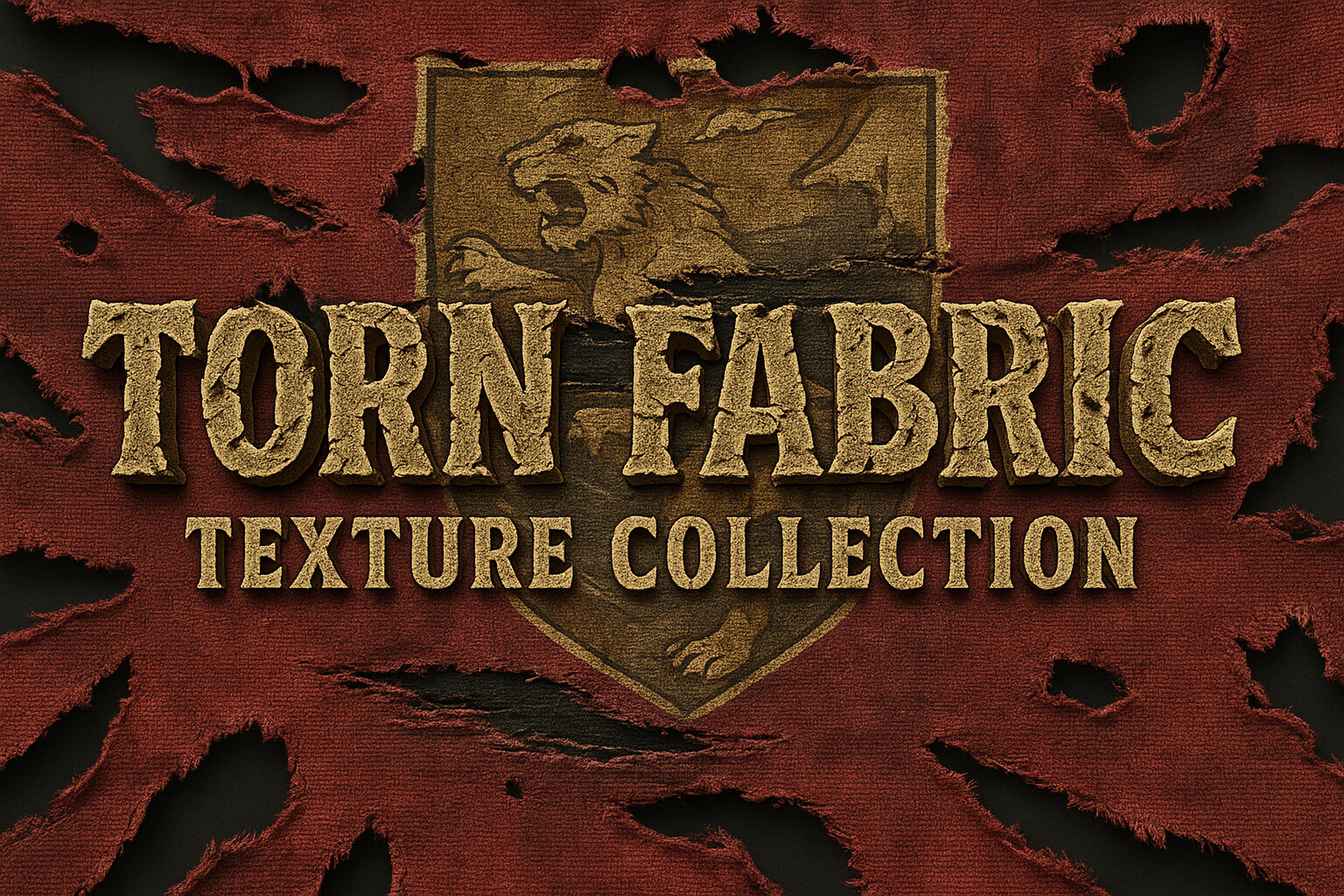
Torn Fabric Texture Collection+ Free Samples

General / 15 June 2025

In these volumes, we’ve added more detailed torn edges and different shapes to make your projects stand out. It’s super easy to use with both a mask and stencil generator included. 

After download, you will get:

  • 4 Free Samples

  • Short video tutorial for how to use this product

What’s Inside:

74 ready-to-use masks for any software that supports alpha or masks

A stencil generator for Substance Painter to speed up your workflow

See more on our Patreon channel : https://www.patreon.com/c/3DRedbox

Why You'll Love It:

High-quality textures you can use without worry

Easy to work with: masks work in any software, and the Substance Painter stencil generator makes loading fast and simple

Get this collection to add detailed, torn fabric textures to your materials easily!

https://www.patreon.com/c/3DRedbox

Modular Weapons: Your New Time-Saver

General / 28 May 2025

Ever Heard of Modular Armor & Weapons? It Might Be Saving You Time Without You Knowing It

If you've ever built a 3D character for a game, animation, or personal project, you already know how much time it takes to model detailed armor and weapons from scratch. Every sword, shield, shoulder pad, or chest plate—doing it all manually slows you down and takes focus away from creativity.

That’s exactly where modular base meshes come in.for better understanding, look at the video:https://youtube.com/shorts/1SkjVBzOYxc

So what does modular mean?It means every piece—like the blade, hilt, guard, helmet, or knee pad—is modeled separately and cleanly, ready for you to mix and match like LEGO. You can quickly test designs, block out ideas, and build variations without starting from zero every time.


Modular kits are a game-changer when:

  • You're prototyping characters fast

  • You need placeholder assets in game development

  • You're practicing UVs or baking

  • You want clean, editable geometry for custom workflows

🎯 Want to try a ready-to-go modular pack?

Check out this Modular Armor & Weapon Base Mesh Pack—with 61 game-ready models including swords, shields, helmets, and full armor sets. Clean UVs, editable topology, OBJ & FBX formats—perfect for Blender, Unreal Engine, or any 3D tool you use.

🛠 Design faster. Focus on what matters.You can download it here


Substance House Podcast - Texture Artist Job Position

General / 16 May 2025

Texture Artist Job Position

This episode features an interview with Giorgio Lorenzetti, a Lead Texture Artist in the film industry. Giorgio shares his journey, from studying classics and industrial design to working on visual effects for projects like Power Rangers and Spider-Man: Homecoming. He discusses his perspective as a storyteller, how he applies this to his work, and his experience with the demands of the VFX industry, including stressful deadlines. Giorgio also offers insights into his future goals, such as teaching and directing, emphasizing the importance of sharing knowledge.

https://www.patreon.com/3DRedbox

🎁 Free 2 Smart Material Samples – VOL.17

General / 07 May 2025

 Get 2 of the 30 materials for FREE!

This is a free sample from our latest pack, Smart Material VOL.17, which includes 30 high-quality Plastic materials designed for your Substance Painter projects. In this post, you’ll get 2 full smart materials to try out!

🔓 Want the full pack?The complete VOL.17 (with all 30 materials) is available for free to all Patreon members in the next post!

You can download it via Patreon channel=> https://www.patreon.com/3DRedbox

💡 Why join the channel?While this product is listed for $8 on ArtStation, by becoming a member here for just $10/month, you get:✔ Full access to Smart Material VOL.17✔ Monthly access to all previous tutorials and resources✔ Continuous new content added regularly✔ And of course – support our work and future releases ❤️

📥 Download the free sample now and level up your textures!👉 If you like it, don’t miss the full pack – already available to our members!


🌟Substance Painter House🌟

General / 05 March 2025

Join Our Patreon and Elevate Your 3D Skills!

Hey everyone! 🚀

I'm thrilled to invite you to my Patreon community, where I share my passion for 3D design and teaching. If you’ve ever wanted to take your skills to the next level, get behind-the-scenes insights, or simply support my work, this is the perfect place for you!

What You’ll Get as a Patron

🌟 Access to 40+ Exclusive Tutorials – Learn advanced 3D modeling, texturing, and rendering techniques that you won’t find anywhere else.

📂 Downloadable Project Files – Get hands-on with the exact files I use in my courses to practice and refine your skills.

👀 Early Previews & Behind-the-Scenes Content – Be the first to see my upcoming projects and designs before anyone else.

💬 Community Feedback & Live Q&A Sessions – Join an exclusive community where you can ask questions, get critiques, and participate in live discussions.

Why Join?

Patreon is more than just a platform—it's a creative hub where I can share deeper insights, connect with you personally, and help you grow as a 3D artist. Whether you're just starting out or looking to master advanced techniques, there’s something here for you.

🎨 Let’s build, learn, and grow together in this amazing journey of 3D design! Thank you for your support—it means the world to me.

👉 Join here: Patreon.com/c/3DRedbox

Texturing a Black Suit in Substance Painter

General / 17 January 2025

In this video, I’ll show you how to texture a sleek black suit in Substance Painter using a simple and efficient workflow. ✅ Everything is created with 100% Substance Painter resources, making it easy to follow along without needing external materials!

✨ I also tackle a common issue: texture direction problems, solved with an innovative method using the UV Set Projection feature in Substance Painter.

To wrap it up, I bring the textured suit into Marmoset Toolbag 5 for rendering, creating a portfolio-ready render with a clean and professional studio lighting setup. 💡

The resource i used form substance community asset:

https://substance3d.adobe.com/community-assets/assets/2d0d2ff52c45286b3e8aa21f7b7882680872170e


👀 Whether you’re a beginner or a pro, this video has something for everyone! Don’t forget to like 👍, comment 💬, and subscribe 🔔 for more tips and tutorials.


And Also,

we released a brand new course for substance painter "Substance Master Course" and here is some info:

https://www.artstation.com/a/36669483

https://www.substancemaster.com/substancepaintercourse


23hours narrated Substance Painter Tutorial with 6 Project


Guided by instructor Mehdi Beheshti, a professional with over 4 years of experience teaching CG software to more than 2000 Students, this course is your ticket to Learning Substance Painter professionally. As a top seller on ArtStation Marketplace for 3 years, Mehdi brings his expertise to help those who want to learn Substance Painter with a thrilling journey.


Don't miss this opportunity to learn something new and improve your skills. Check out the tutorial now and hit the "Like" button if you find it helpful. Don't forget to subscribe to our channel and share your thoughts in the comments section.

Embroidery Pattern Creation in Substance Painter - Easy & Fast!

General / 10 January 2025


Hey YouTube! 🎥 Today’s video is sponsored by FlexiSpot!✨

FlexiSpot New Year Flash Sale is Here, Up to 50% OFF! You also have the chance to win free orders on the 9:00 PM PST January 5th. Use my code “YTE730” to get EXTRA $30 off on the E7 standing desk.

FlexiSpot E7 Standing Desk:

(US) https://bit.ly/3TN6XpL

(CA) https://bit.ly?3XMeUwQ


✨ In this video, you can create embroidery patterns in Substance Painter in an easy way, fast, and tweakable. The process is: 

🧵 I create a color mask in Photoshop from a photo I took 📸

🧵 use the latest Embroidery Generator in Substance Painter to complete the design! 

-----------------------------------------------------

👉 New Course: "Substance Master Course" 🎓

https://www.artstation.com/a/36669483

https://www.substancemaster.com/subst...

23 hours of narrated Substance Painter tutorials with 6 projects! 🖌

Guided by instructor Mehdi Beheshti, a professional with over 4 years of experience teaching CG software to more than 2,000 students. As a top seller on ArtStation Marketplace for 3 years, Mehdi brings his expertise to help you learn Substance Painter professionally. 🚀

Don't miss this opportunity to level up your skills! Check out the tutorial now and hit the "Like" button if you find it helpful. 👍 Don’t forget to subscribe to our channel and share your thoughts in the comments! 💬